
PC Cleaning Utility Complete Guide
Your all-in-one resource for installing, activating, and mastering PC Cleaning Utility — clean junk files, fix registry errors, optimize startup, and boost Windows performance
Install on Windows
Easy installation that takes just a few clicks
Compatible with Windows 7, 8, 10, 11 | Desktop & Laptop
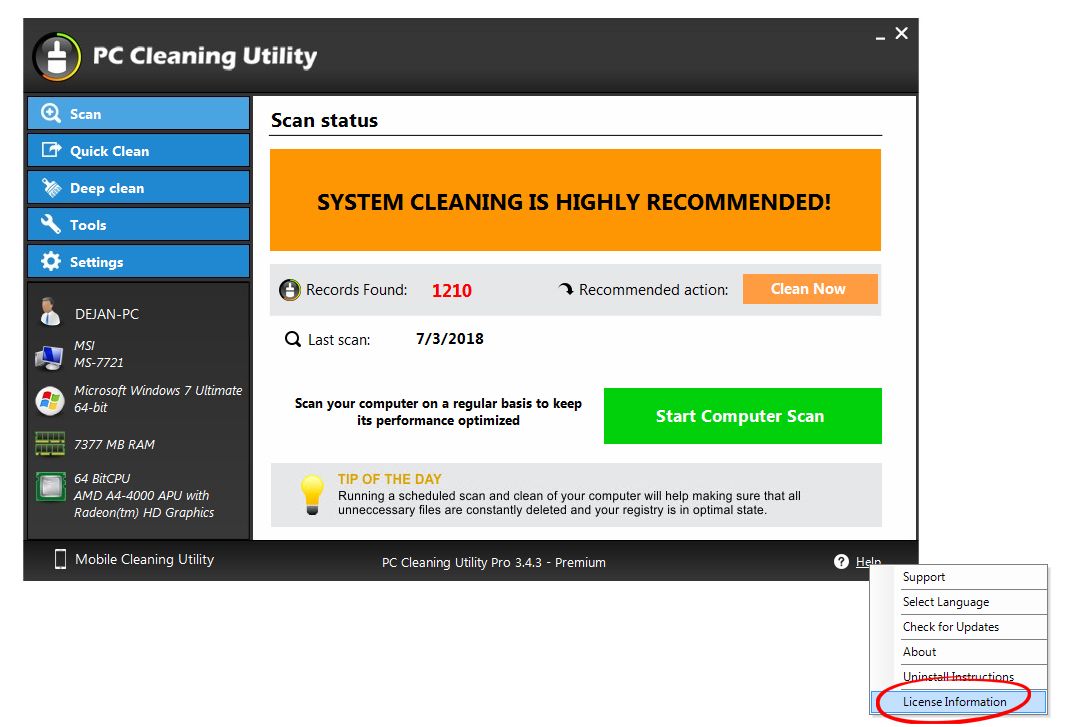
Main dashboard — one-click cleanup
Download the .exe installer
Select download location & save
Double-click downloaded file
Click "Yes" when prompted
Click "Install" to confirm
Software auto-starts cleaning
Register & Activate
Unlock premium features with your license key
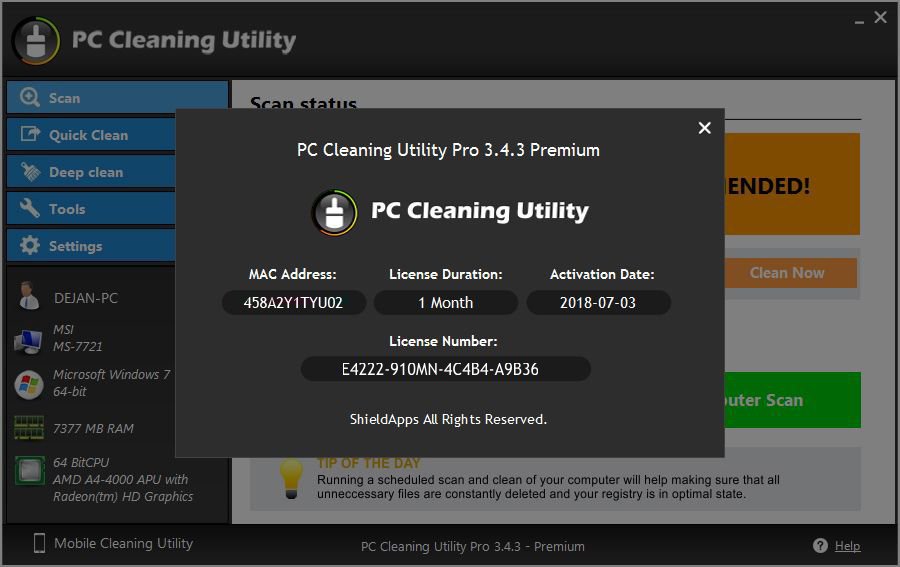
Registration & activation window
Find Your License Information
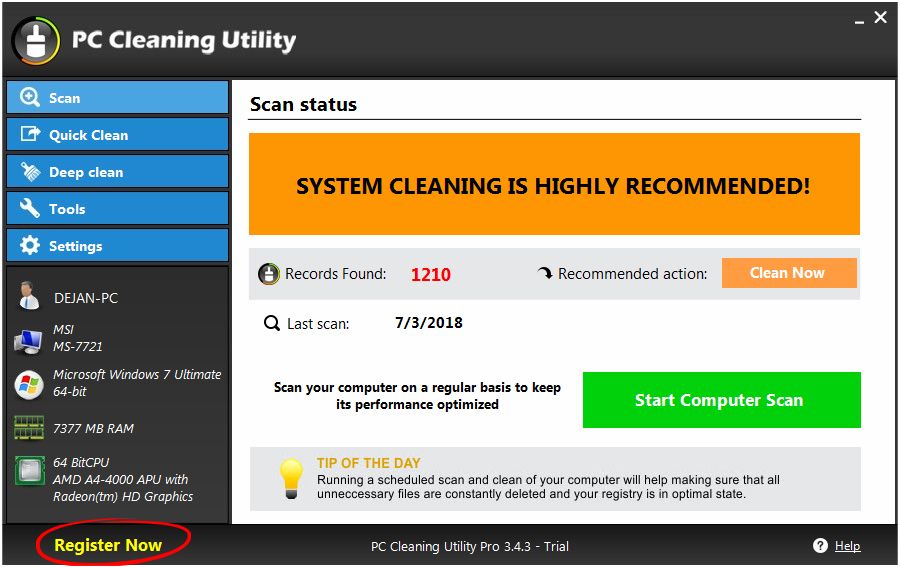
Help menu → License Information
Where can I find my license information?
Do I have the latest version?
What PC Cleaning Utility Does
Complete optimization toolkit for your Windows PC
Junk File Cleaner
Cleans virtual devices, libraries, installation strings, junk files, temporary files, system software, history, start menu, and more — files that clog your hard drive and slow performance.
Registry Repair
Scans and fixes invalid registry entries, broken paths, and obsolete keys. Defragment registry to restore performance.
Startup Optimizer
Control which apps run when Windows starts — disable unnecessary programs to boot faster and reduce system crashes.
Duplicate Finder
Find and remove duplicate files — free up valuable disk space and reduce clutter.
Schedule Scans
Set automatic scans daily, weekly, or monthly — keep your PC optimized without lifting a finger.
System Restore
Restore points are created and logged automatically before any cleaning action — easily revert changes.
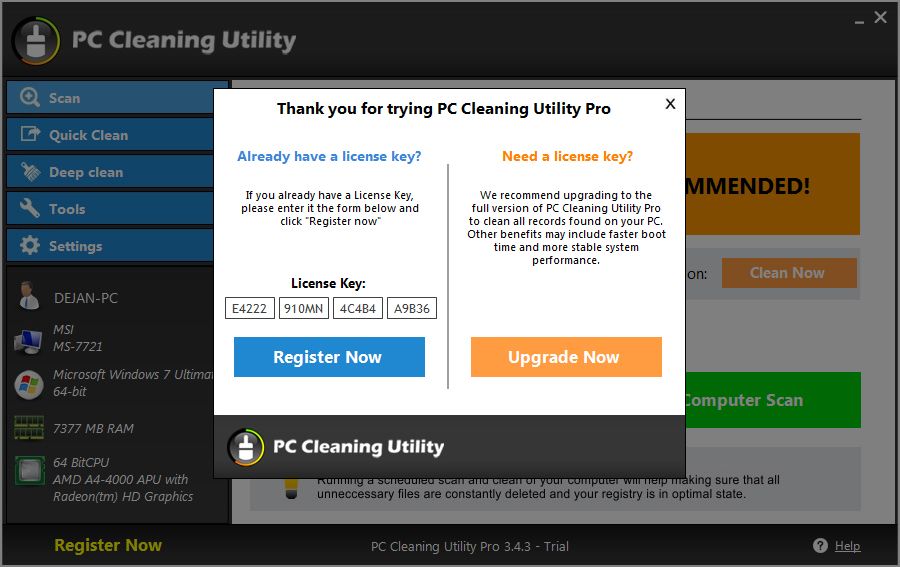
Settings menu — customize scan areas & schedule
Schedule Automatic Scans
Keep your PC optimized automatically
Additional Utilities
Extra tools to fine-tune your system
Duplicate Finder
Startup Manager
System Restore
Language Support
Customize Your Scan
Choose what to scan and what to ignore
Skip Specific Registry Items
Manage Scan Areas
How to Uninstall
Complete removal guide for Windows — two methods available
 Português
  Français
  Español
  Italiano
  Deutsch
  English